Best widgets for an internet radio website
A short, curated list of the most useful widgets for an internet radio website: now-playing, recent tracks, schedule, donations, and chat. With current 2026-ready picks.
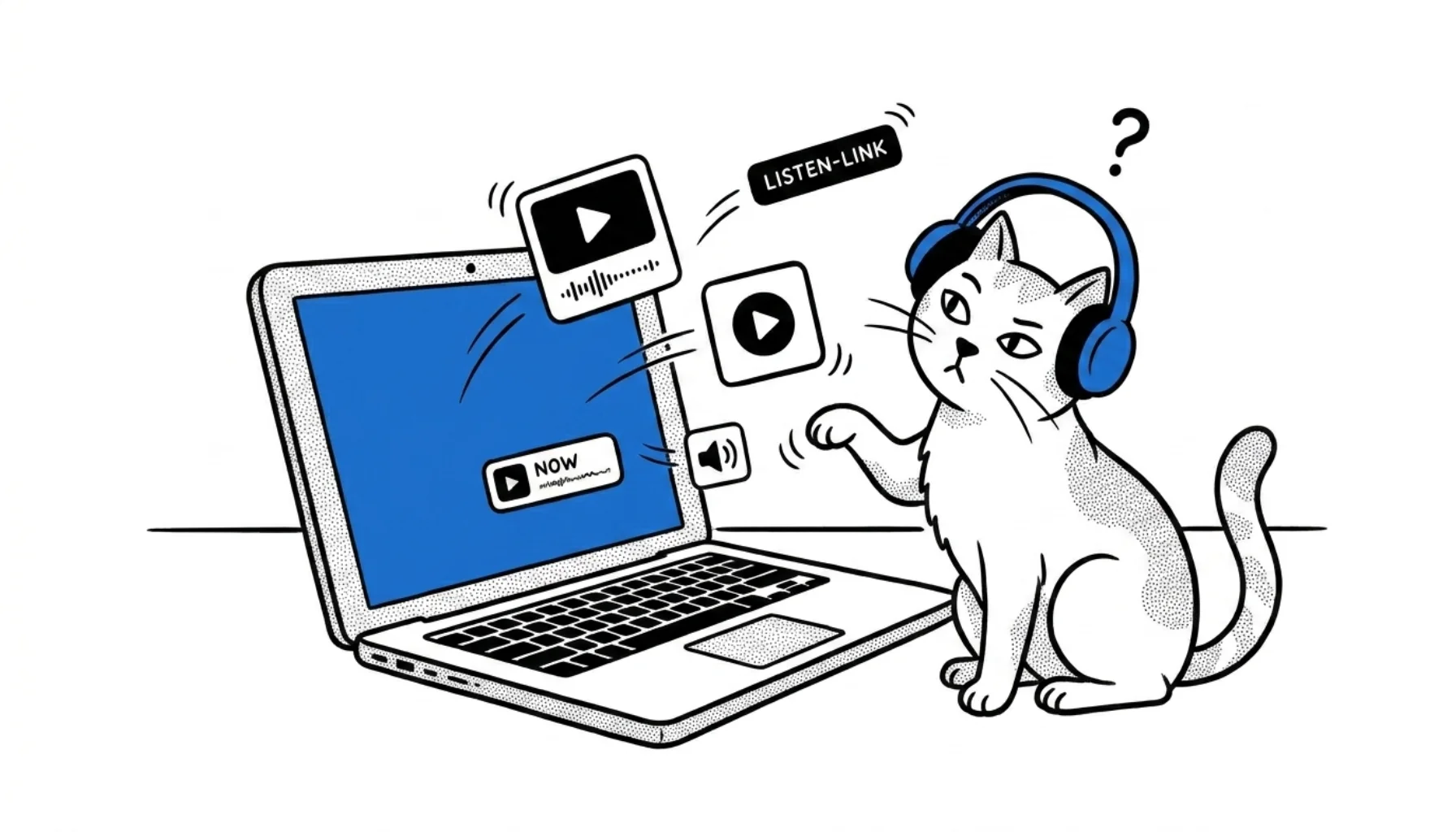
A radio website lives or dies by how quickly a visitor can hit play. Widgets help, but only if you pick the right ones. Most "widget guides" on the web list 20+ options that mostly add weight without adding listeners.
Here's the short version: pick two or three widgets that match the way your station behaves. Skip the rest.
What CloudRadio gives you out of the box
If you broadcast on CloudRadio One, you already have most of what a radio site needs:
- An embeddable web player (six layouts, your colors, autoplay if you really want it)
- A JavaScript widget for live metadata: now playing, listener count, bitrate, recent tracks
- Listen links for desktop players (PLS, ASX)
- A stream-info JSON API you can plug into anything
That covers items 1, 2, 3, 6, and 7 of the classic "must-have" widget list. The rest of this post is about widgets that are not built in but are still worth considering.
The shortlist
1. On-air / now-playing
If you have hosted shows, an "on air now" block is the single most engaging widget on a radio site. It tells visitors who is talking, not just what song is playing. Pair it with the CloudRadio metadata widget so the song title updates in real time underneath.
2. Schedule / event calendar
Listeners want to know when their favorite show is on. A simple weekly schedule beats a slick calendar with no entries. Free options:
- FullCalendar: open-source and embeddable
- A static HTML table: surprisingly effective and zero maintenance
Skip generic "Google Calendar embed" widgets unless your team already lives in Google Calendar.
3. Donation / support
If you're a community or non-profit station, a donation widget pays its own rent.
- Stripe or PayPal donation buttons: free and instant
- Donorbox: friendlier UI, free under a usage threshold
- Buy Me a Coffee or Ko-fi: good for small, recurring support
Place it near the player, not buried in the footer.
4. Live chat
A chat widget builds community for stations with regular live shows. It's overkill for an automated music station with no presenter.
- Minnit: generous free tier
- A linked Discord or Telegram channel: simpler, still works
- Self-hosted The Lounge: for the IRC nostalgics
5. Social embeds (use sparingly)
Embedding your full Facebook or X feed on the homepage is a 2015 idea. They're heavy, they pull in third-party tracking, and most visitors ignore them. Better:
- A small row of icon links to your social profiles
- A single "latest post" embed if you genuinely post often
Widgets to skip
- Weather widgets: they made sense in the AM/FM era when weather was part of the broadcast. On a website, listeners check weather elsewhere.
- Visitor counters: never useful, often inaccurate.
- Random "Like us on Facebook" popups: they hurt conversion every single time.
- Five different social timelines stacked vertically: pick one or none.
How to keep your site fast
Every widget you add costs page weight. A few habits keep the site loading quickly:
- Load third-party scripts with
deferorasync - Lazy-load below-the-fold widgets (
loading="lazy"on iframes) - Self-host fonts and icons where possible
- Test the page on a real phone over 4G, not just on a desktop with fiber
A station that loads in two seconds will out-convert one that loads in eight, every time.
In short
You don't need 11 widgets. You need a great player, live now-playing info, and one or two extras that match how you actually operate. CloudRadio gives you the first two for free; the rest is curation.
If you're setting up your own widget code, the Widgets & Links help article walks through the JavaScript snippet, listen links, and JSON API in detail.