Online Radio Station Checklist: 10 Steps to Launch
The 10-step checklist for launching an online radio station: planning, equipment, software, server hosting, licensing, and audience growth.
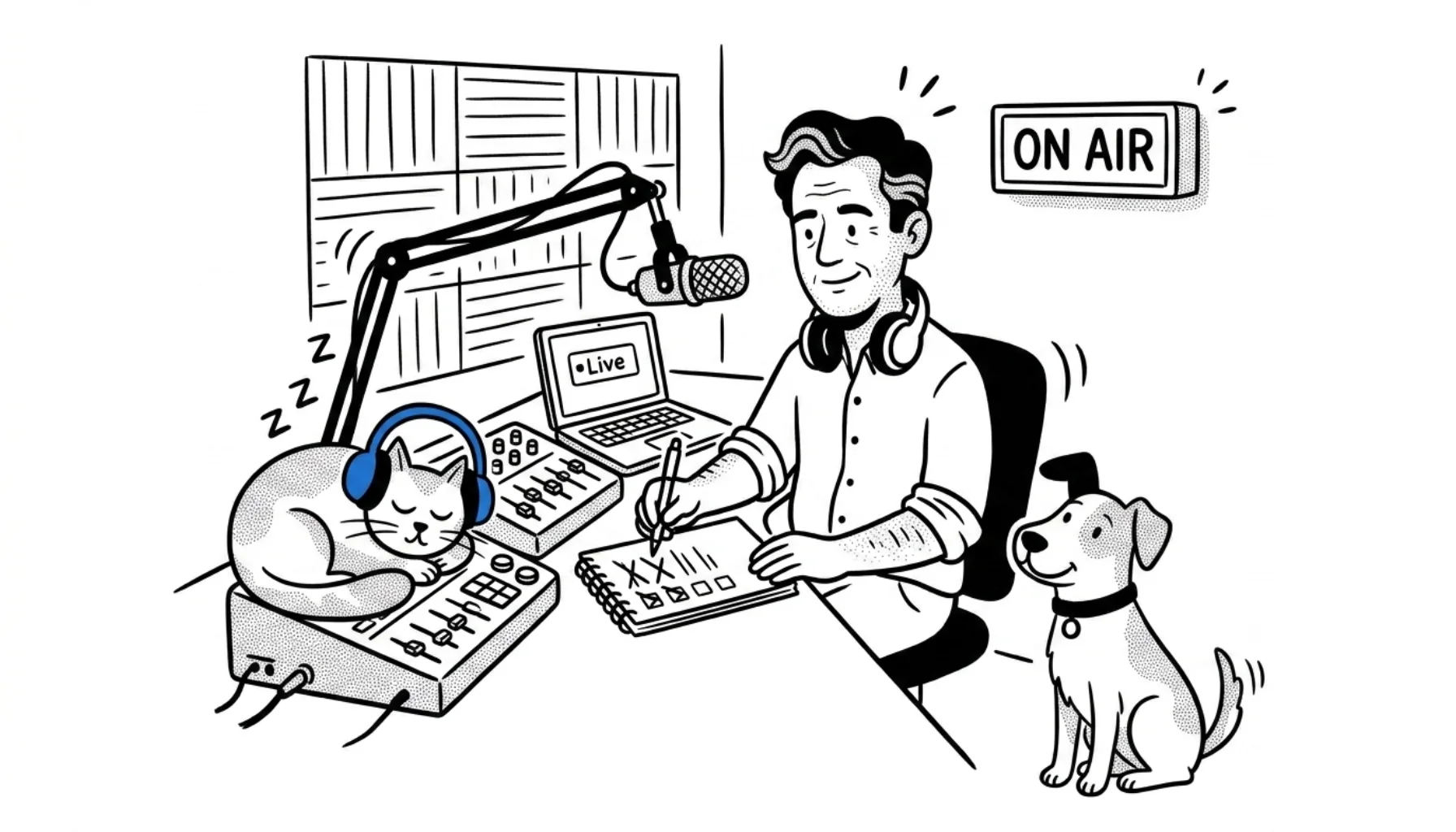
So you want to put a radio station online. Good. The bar to entry has never been lower, but the steps still matter. Skip the planning and you'll burn weekends rebuilding what could have been right the first time.
This guide is for people who've already decided to launch. Ten steps, three phases, in the order a builder actually executes them. Still deciding whether internet radio is for you? Our internet radio primer covers the why before the how.
What you'll learn
- Phase 1: Planning, concept, audience, content
- Phase 2: Technical setup, equipment, software, server, licensing
- Phase 3: Getting listeners, website, promotion, directories
- Common questions
Phase 1: Planning
Failing to plan is planning to fail. The cliché is true here. Stations that last tend to share two things: a sharp sense of who they're for, and a clear reason to exist that competitors don't already cover.
1. Define what your radio is about
There are millions of audio sources competing for ears today: Spotify, podcasts, YouTube, TikTok, Twitch streams. To pull a listener away, you need a reason. A unique angle. A specific vibe.
Think of it as a one-sentence promise. Not "we play music", try "Suez Canal Radio plays the music that puts you in a cruising mood." The first one is forgettable. The second tells me exactly when to tune in.
Three things to nail before you build anything technical: a vision (what you aspire to be), a mission (how you'll get there), and a primary format. The format especially matters because it shapes every later decision, equipment, automation rules, voice tracking, the works.
Need inspiration on what to actually broadcast? Our radio show ideas guide has dozens of formats that work for niche stations.
2. Know your audience
Before you brand the station or design the logo, picture one specific listener. Where do they live? What do they do at 7am? What other stations do they already love?
Listening to the competition is the fastest way to find your edge. Tune in to three or four stations in your niche and write down what works and what feels off. The gaps in their content are your opportunities.
Then pitch your concept to ten people. Friends count, but strangers count more. Their first reactions tell you whether your hook lands or needs sharpening. Pick a station name that's easy to spell, easy to say, and not already taken on the major directories. Brand it with a logo, even a simple one, listeners need something to share.
3. Plan your content
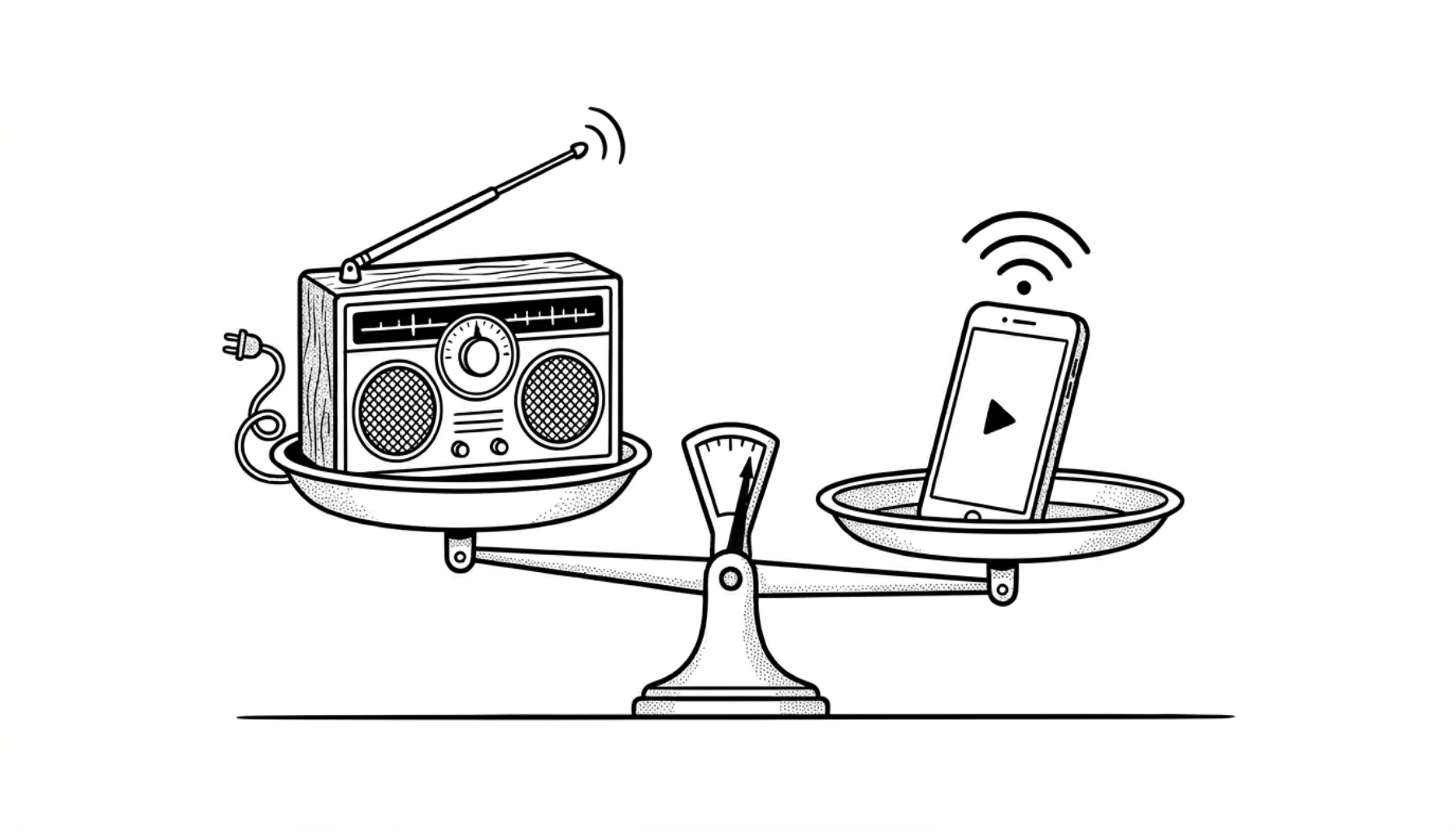
Music alone doesn't cut it anymore. Spotify Premium plays unlimited music, perfectly tailored to each listener. So if all you do is queue tracks, your audience can already do that themselves, ad-free, on demand.
What they can't do alone is hear a real human point at a song they've never heard, tell them why it matters, and string twenty more in a row that fit the same mood. That curation is your edge.
Audio imaging is the other half. Sweepers, drop-ins, station IDs, jingles, they sonically brand the station and make it instantly recognizable. Even a five-second "You're listening to Radio Cruise" between songs lifts the whole station. Our deep-dive on radio imaging walks through every type and how to produce them on a budget.
A practical exercise before you spend a dollar on gear: record a five-minute mock show on your phone. Talk between two songs. Play it back. If it bores you, fix the format before you commit to it.
Phase 2: Technical setup
This is where most guides get unnecessarily complicated. Forget the rack of broadcast hardware you saw on YouTube. You can launch a credible internet radio station with a laptop, one decent microphone, and a hosting plan.
4. Get the essential equipment
Start with what you actually need. A USB microphone (the Audio-Technica ATR2100x-USB or a Shure MV7 sit in the sweet spot for new broadcasters), a pair of closed-back headphones to monitor without bleed, and the computer you already own. That's it for week one.
If you plan to mix multiple inputs, a co-host, a phone-in line, a music source on a separate channel, add a small audio interface or mixer. The Behringer Xenyx Q802USB and the RØDECaster Pro II sit at opposite ends of the budget. Skip the mixer entirely if you're a solo presenter playing automated music.
For the full breakdown including microphone arms, pop filters, and acoustic treatment, see our radio station equipment guide.
5. Pick your software stack
You'll need three pieces of software, sometimes combined into one:
Automation/playout runs your scheduled music when you're not live. RadioDJ (free, Windows), Mixxx (free, cross-platform), and SAM Broadcaster (paid, full-featured) are the popular choices. Setup guides for each are in our help center.
An encoder converts your audio into the stream format your server understands. Some automation tools have one built in (Mixxx, SAM Broadcaster); others don't (RadioDJ), in which case grab BUTT, it's free, lightweight, and works on Windows, Mac, and Linux. Our BUTT setup guide covers it end to end.
A recording program for prepping shows in advance and producing imaging. Audacity is free, open source, and more than capable. See Audacity for radio for a walkthrough.
For a side-by-side comparison of every major package, see our radio broadcasting software review.
If juggling encoders, automation, and a separate music library sounds like more wiring than you signed up for, CloudRadio runs the whole stack in the browser, you upload tracks to your media library, schedule them, and the stream goes out.
6. Set up your server
Internet radio works a lot like a website. Your stream lives on a server, and listeners' players pull audio from it the same way browsers pull HTML from a web host.
You can technically self-host on your own computer, but you almost certainly shouldn't. Your home internet upload speed will throttle around 50 listeners. Your computer needs to stay on 24/7. A power blip ends the broadcast. And residential ISPs frown on the bandwidth.
A streaming host solves all of that. CloudRadio delivers your stream over HLS (widely supported on iOS and Safari natively, and on Chrome, Firefox, and Edge through HTML5 players like the one we ship) and keeps an Icecast feed available for older clients and legacy media players. The servers run in a data center with proper bandwidth, redundant power, and listener slots that scale with your audience. You point your encoder at our source ingest; we transcode it on the fly into HLS segments and an Icecast feed, served from separate edges so each listener's player picks up the format it understands.
In practice, your stream URL ends up looking like https://hls.cloudrad.io/yourstation for HLS players and https://icy.cloudrad.io/yourstation for the Icecast fallback. Both run over standard HTTPS (port 443), so listeners' browsers and players connect through the same web ports they already use, no firewall tweaks, no exotic ports to remember.
Most streaming hosts charge by listener slots, the maximum number of simultaneous listeners you're allowed. If you go that route, size by peak concurrent listeners (a station with 500 daily uniques typically peaks around 30–50 at once, since people drop in and out) and add slots when your stats show you're hitting the ceiling. CloudRadio One sidesteps that math entirely, listeners are unlimited on the plan, so you never have to predict your own growth.
7. Handle music licensing
This is the part most beginner guides gloss over. Don't.
If you produce only content where every right is cleared, talk shows you record, interviews with signed releases, original music where you own both the master and the publishing, you may not need a music license. Be careful, though: original music with co-writers, uncleared samples, or where you've signed to a publisher still requires the relevant performance rights.
If you play any commercial music, you owe royalties. Streaming a song is a "public performance" under copyright law, and the songwriters, performers, and labels are all entitled to a cut. You can't pay each one directly, so collection societies do it for you.
In the United States, that's SoundExchange for the digital sound recording royalty (the unique-to-streaming one), plus ASCAP, BMI, SESAC, and GMR for songwriter performance royalties. In Canada it's SOCAN and Re:Sound. In the UK it's PRS for Music and PPL. Most countries have an equivalent, and most of those organizations have reciprocal agreements, which means a U.S. station playing a French artist still gets the right royalties to the right rightsholders.
The cleanest workaround is royalty-free music. It's not "free music with no rules", it's music licensed under terms that don't require recurring royalty payments. Some libraries offer free tracks (Free Music Archive, Jamendo) and others are paid one-time or subscription (Epidemic Sound, Artlist). Always read each track's license: "free to download" doesn't always mean "cleared for internet broadcast", and Creative Commons terms in particular vary widely.
This isn't legal advice. CloudRadio doesn't issue stream licenses or facilitate royalty payments. Talk to the relevant rights organization in your country before you launch. Start your reading at SoundExchange Licensing 101.
Worried about the cost? Our cost to start an internet radio station breakdown puts realistic numbers on every line item, licensing included.
Phase 3: Getting listeners
You're broadcasting to nobody at this point. Time to fix that.
8. Build a website and social presence
Your website is the front door. It's where directories link to, where Google indexes you, and where your branded player lives. A free WordPress.com or Wix site works for the first six months, but a real domain (yourstation.com) signals legitimacy and costs less than a coffee a month.
The site doesn't need to be elaborate. A header with the station name, an embedded player, a "now playing" tag, a schedule page, and a contact form covers the basics. We provide a free embeddable HTML5 player and a website widget with every CloudRadio plan, and our radio website widget guide walks through pasting it onto any site.
Social media is the other half of discovery. Pick two platforms your audience actually uses, usually Facebook and Instagram for general audiences, TikTok and X for younger demos, YouTube if you'll do video. Don't try to be everywhere. Two channels done well beat five abandoned ones.
A practical move: simulcast talk segments or original-music shows to Facebook or YouTube. Free reach, simple to set up with OBS, and you capture listeners who'd never have found the audio-only stream. Be careful with licensed commercial music, though, social platforms run Content ID-style scans that mute or block streams, and your radio music license usually doesn't extend to video simulcasts.
9. Get noticed
Promotion is the long game. Five tactics that consistently work for new stations:
A launch event, even a virtual one, gives you a date for friends and early supporters to rally around. Treat it like a release. Tease it for two weeks. Stream the launch live. Record it for later.
A giveaway with a low-friction entry (follow + share) costs almost nothing and seeds your social numbers. Branded merch is fine; a Spotify gift card works too.
Guest swaps with other stations in adjacent niches double your reach overnight. Pitch presenters whose audience overlaps yours. Offer to host them first.
SEO content on your station's blog ranks for terms like "best [genre] radio" and pulls organic search traffic for years. One good post a month outperforms ten daily tweets.
Cross-posting show clips to TikTok and Instagram Reels gives short-form viewers a reason to follow the long-form stream.
For a deeper playbook see our promote your internet radio station guide.
10. List your station in directories
Internet radio directories are the yellow pages of streaming. Someone searches "lo-fi study radio," a directory ranks the matches, your station shows up. Free traffic, every day, forever. The only cost is the time it takes to submit.
Submit to as many as accept open submissions. The big ones to start with are TuneIn, Streema, Online Radio Box, Radio Garden, Radio.net, and Internet-Radio.com. Some directories (Live365's, for example) primarily list stations hosted on their own platform, so check eligibility before you spend time on submissions. TuneIn also gates listings through an approval process. Our full internet radio directories list catalogs the active ones and notes which require approval, paid placement, or specific stream formats.
Make sure your station info is consistent across all of them, same name, same logo, same description, same genre tags. Discrepancies confuse listeners and hurt rankings.
Common questions
Do I need to follow these steps in order? Mostly yes. Planning before equipment saves you from buying gear you don't need, and software setup before licensing keeps you from paying for music you can't legally stream. The only step you can safely defer is directories (step 10), which works just as well after launch.
Do I need a license for my internet radio station? Yes, if you play commercial music. Talk-only or original-music stations don't. See step 7.
Can I run an internet radio station from home? You can, but you'll quickly hit your home internet's upload limits and your computer's uptime. A streaming host solves both for less than the cost of a streaming subscription.
What software is best for beginners? RadioDJ (Windows, free) and Mixxx (cross-platform, free) cover most needs. If you'd rather skip the desktop stack entirely, CloudRadio runs the same workflow in the browser.
How long until I get listeners? Expect months, not days. New stations rarely build a consistent audience in their first weeks; the ones that grow do it through steady output, directory submissions, and social posting that compound over time.
How much will this cost me? Numbers vary too much by setup to summarize fairly here. Our cost breakdown walks through every line item.
Ready to launch?
You've got the checklist. The shortest path from here to broadcasting is to grab a host, point your encoder at it, and go live.
CloudRadio handles the hosting, the player, and the automation in one plan, no contracts, free support, pause whenever.