The Internet Radio Broadcaster's Toolkit
A practical, up-to-date toolkit for internet radio broadcasters. Automation, encoders, audio editing, remote interviews, virtual mixers, AI tools, and more.
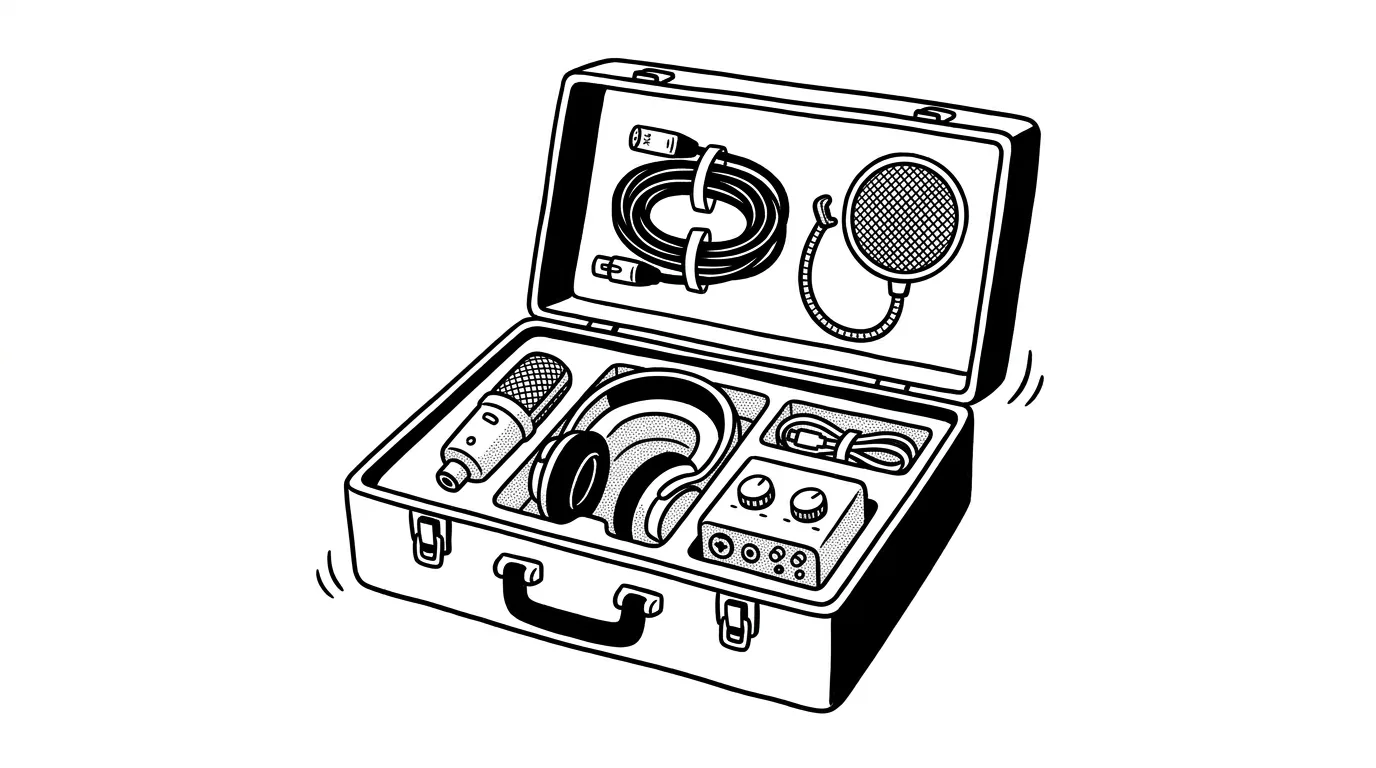
Running an internet radio station is a lot of work. Music programming, live shows, social posts, encoder tweaks, listener replies. The to-do list never really shrinks.
The fix isn't more hours. It's better tools.
This guide is the toolkit we'd hand to a broadcaster starting today, refreshed for 2026. You'll find picks for:
- Radio automation and playout
- Collaboration with co-hosts and DJs
- DJ software for mixed shows
- Encoders for streaming audio
- Audio editing and recording
- Virtual audio mixers and routing
- Remote interviews
- Website builders
- Social media management
- AI helpers (transcription, voice, art)
Everything below is current as of 2026. Tools that have been retired, abandoned, or rebranded into something unrecognizable have been pulled.
1. Radio Automation Programs
Which radio broadcasting software are you using today? If you're shopping around, this is where to start. Automation programs handle playlists, scheduling, audio mixing, music playout, and live assist.
For a full side-by-side review, see our radio broadcasting software guide.
Mac
Windows
- ProppFrexx ONAIR
- SAM Broadcaster Pro
- RadioDJ
- RadioBOSS
- PlayIt Live
- PlayoutONE
- mAirList
- StationPlaylist Studio Pro
- NextKast Pro
- OtsAV Radio
- Zara Studio
- AerOn Studio
- OmniPlayer
- Simian
Cross-platform & open source
- Mixxx: Free, Windows/Mac/Linux
- AzuraCast: Self-hosted web platform
- Liquidsoap: Scriptable audio stream generator
If juggling a separate playout app, encoder, and streaming server sounds like work you'd rather not do, CloudRadio bundles all three into one browser-based workflow. Upload your tracks, schedule them, broadcast. No Windows VM, no encoder config files, no separate server.
2. Collaboration Tools
No radio is an island. Even a one-person show usually picks up volunteer DJs, guest hosts, or contributors at some point. They don't have to be local. They just need internet and a way to coordinate.
These tools cover docs, chat, project management, and video calls:
- Google Docs: Documents
- Notion: Notes, wiki, and lightweight project management
- Discord: Voice and community chat
- Slack: Team chat
- Microsoft Teams: Chat plus meetings
- Asana: Project management
- Trello: Kanban boards
- ClickUp: Project management
- Zoom: Video meetings
- Google Meet: Video meetings inside Google Workspace
Skype's consumer app was retired by Microsoft in May 2025, so it no longer makes the list. Teams is the closest one-to-one replacement.
3. Freelancer Sites
You can't do everything alone. Need a custom cover for your next show on MixCloud? Hire a designer. Want a clean station website but don't code? Find a developer. Need a station ID voiced? There's a marketplace for that too.
These are the marketplaces broadcasters use most:
- Voices: Voice artists
- Voice123: Voice artists
- 99designs by Vista: Designers
- Fiverr: General marketplace
- Upwork: General marketplace
- Freelancer: General marketplace
- PeoplePerHour: General marketplace
- Toptal: Vetted developers and designers
4. DJ Programs
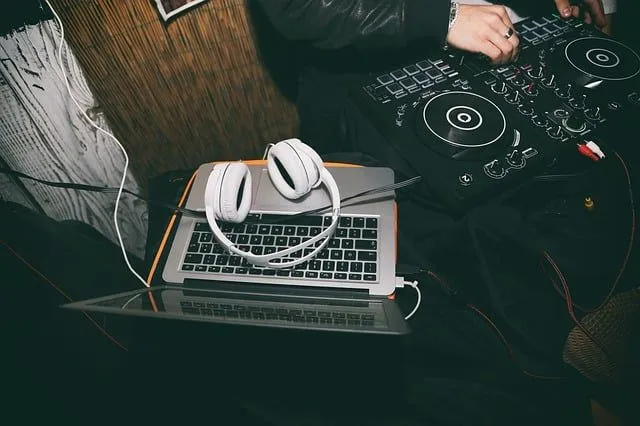
DJ programs let you mix tracks without a physical deck. They're great for recorded mixes, live mixed shows, and pre-produced segments you drop into your automation playout.
Some DJ programs (like Mixxx and Virtual DJ) include built-in encoders, so you can stream straight to your broadcasting server. Others are for production only.
- Mixxx: Free, Windows/Mac/Linux
- Virtual DJ: Windows & Mac
- Traktor Pro: Windows & Mac
- Serato DJ Pro: Windows & Mac
- Cross DJ: Windows & Mac
- djay Pro: Mac, Windows, iOS, iPadOS
- Ableton Live: Mac & Windows (not strictly DJ, but heavily used for live shows)
- UltraMixer: Mac & Windows
- Zulu DJ: Windows
- YOU.DJ: Cloud-based, in-browser
We dropped Deckadance, MAGIX Digital DJ, and DJ Pro Decks: all discontinued or abandoned since 2020.
5. Encoder Programs
An encoder captures sound from your computer's audio inputs, converts it to a streamable format (typically AAC or MP3), and pushes it to your streaming server at a chosen bitrate.
Two common configurations: AAC at 64 Kbps (great quality, small bandwidth) and MP3 at 128 Kbps (broad compatibility). For more on this tradeoff, see our audio quality guide and the bandwidth article.
Many DJ and automation programs include a built-in encoder. If yours doesn't, pick a standalone:
- BUTT (Broadcast Using This Tool): Free, Windows/Mac/Linux
- LadioCast: Mac
- Audio Hijack: Mac, capture, route, record, and broadcast system audio
- Rocket Broadcaster: Windows
- RadioCaster: Windows
- StationPlaylist Streamer: Windows
- Playout ONE LiveStream: Windows
If your encoder setup is fighting you, a hosted platform like CloudRadio skips this step entirely. The encoder runs in the browser, so there's no separate app to configure.
6. Audio Editing & Recording Software
If you produce shows, jingles, or imaging, you need a DAW or audio editor. These let you record, multitrack, edit, and master before air.
For deeper reviews see our audio recording programs guide.
- Audacity: Free, Windows/Mac/Linux (the default starting point)
- Adobe Audition: Windows & Mac
- Hindenburg PRO: Windows & Mac, built for spoken word
- Reaper: Windows/Mac/Linux
- GarageBand: Pre-installed on Mac
- Logic Pro: Mac
- Ocenaudio: Windows/Mac/Linux, great Audacity alternative
- WavePad: Windows & Mac
- Descript: Edit audio by editing text (huge time saver for shows and podcasts)
- Audio Hijack: Mac, capture and edit any audio source
7. Virtual Audio Device & Audio Mixer Tools
Working with a standalone encoder? You'll often need a virtual audio mixer to route sound between apps.
Some automation programs include their own routing. But a virtual mixer lets you capture and combine sound from anywhere: a remote interview app, a music player, a USB microphone, even another computer on the network.
- VoiceMeeter: Windows, donationware
- VB-CABLE: Mac & Windows
- Loopback: Mac
- BlackHole: Free, open-source Mac virtual audio driver (the modern Soundflower replacement)
- Virtual Audio Cable: Windows
Soundflower is no longer maintained and doesn't work cleanly on modern macOS. Use BlackHole instead.
8. Remote Interview Software
Hosting guests remotely? You want broadcast-quality audio, not the compressed mush most video-call apps produce.
The trick most of these tools use is "double-ender" recording: each participant's audio is captured locally at full quality, then uploaded after the call. The result sounds like everyone is in the same room.
- Riverside: Studio-quality remote recording, separate tracks per guest
- SquadCast (by Descript): Same idea, now part of Descript
- Cleanfeed: Built specifically for live radio
- Zencastr: Free plan covers most starter shows
- Zoom: Familiar, lower audio quality but easy
- Google Meet: Quick web meetings
For deeper coverage, see our live calls and remote interviews article.
9. Free or Cheap Website Builders
Your radio needs a home on the web. A site is where listeners find your stream, your schedule, your shows, and a way to support you.
You don't need to code. Drag-and-drop builders cover most of what a small station needs. For a deeper dive, see our radio websites guide.
- WordPress: The most flexible long-term choice
- Wix: Drag and drop, big template library
- Squarespace: Strong design templates
- Weebly: Simple builder, free tier
- Carrd: One-page sites, very cheap
- Mobirise: Offline builder, free
- Mozello: Free tier, easy
- SITE123: Quick start templates
If you're on CloudRadio, you already get an embeddable HTML5 player you can drop on any of these sites with a single snippet.
10. Social Media Management
Posting on every platform manually gets old fast. Scheduling tools let you queue a week of content in one sitting and watch what actually lands.
For more on the strategy side, see our social media for radio stations guide.
- Buffer: Free tier still exists, simple and broadcaster-friendly
- Metricool: Free tier, strong analytics
- Hootsuite: Established, paid only
- Later: Strong for visual platforms (Instagram, TikTok)
- Sprout Social: Premium tier with deep analytics
- Zoho Social: Affordable for small teams
- Post Planner: Content discovery + scheduling
- Followerwonk: X (Twitter) analytics
11. AI Tools
AI has changed what a one-person radio show can produce in a week. These are the workflows broadcasters use most:
- Transcription and editing: Descript and Otter.ai turn audio into text you can edit like a doc. Great for show notes and repurposing.
- AI voice generation: ElevenLabs and similar tools generate station IDs, jingles, and promo voiceovers. See our AI voice generators roundup.
- Cover art and graphics: Midjourney, DALL-E inside ChatGPT, and Canva with its Magic Studio cover episode artwork, social posts, and station branding.
- Show prep and scripts: ChatGPT and Claude help with show notes, segment ideas, interview prep, and ad copy.
- Music and jingle generation: Suno and Udio generate AI music tracks and jingles. Useful for non-music background beds. (Licensing rules apply: check our music licensing help article.)
A practical rule: AI handles the grunt work, you keep the editorial voice.
12. Stream Monitoring & Analytics
Once you're on the air, you need to know when the stream drops, who's listening, and what's getting played. Most automation programs only see what they sent, not what listeners actually got.
- CloudRadio stream monitoring: Uptime, dead-air alerts, and stream health from outside your server
- CloudRadio statistics: Listener counts, peak times, country breakdowns, track history
- Stream Monitor: Third-party uptime check
- Icecast / Liquidsoap logs: Your own server-side metrics
- Google Analytics 4 on your station website
For more on what to measure, see our seo for broadcasters guide and the listener engagement article.
Using a tool we missed?
The toolkit changes fast. Get in touch with what's working for your station and we'll consider it for the next refresh.
Where to next
If you're still piecing together a software stack, our start an internet radio station guide walks through the full setup, from concept to first stream. Our equipment guide covers the hardware side.
Start your internet radio with us
CloudRadio One gives you a browser-based way to upload music, schedule shows, and stream. No separate playout apps, encoders, or streaming servers to juggle. $39/mo, all included.