Best Studio Headphones for Radio & Podcasting (2026)
Studio headphones for radio and podcasting in 2026: closed vs open-back, comfort, isolation, impedance, and current picks at every budget.
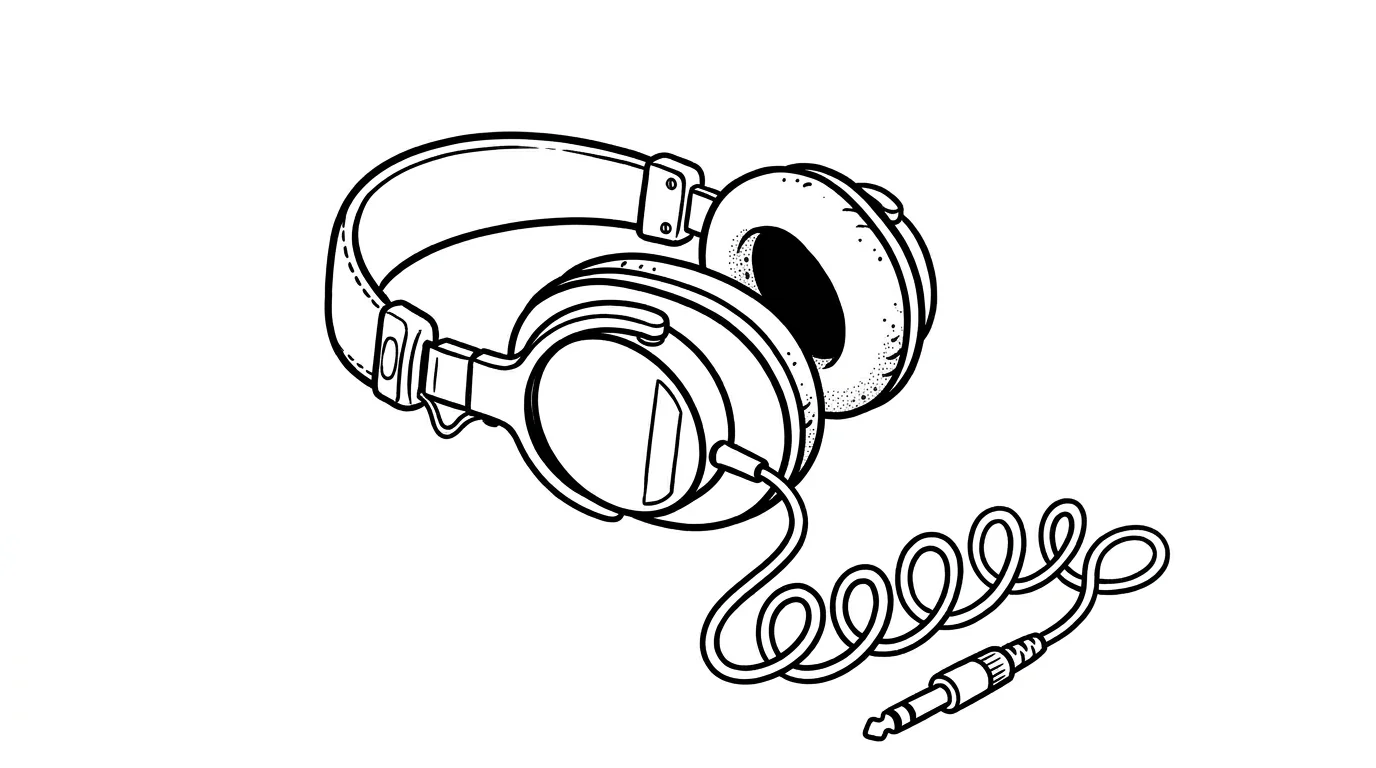
Your headphones are the only honest opinion in the studio. The mic doesn't tell you it sounds harsh. The room doesn't warn you about that hum from the laptop fan. Your monitors are off because the mic is open. So everything you hear, while you're on air, comes through the cans on your head.
Get the wrong pair and you'll mix your show against a lie. Plosives slip through. The co-host sounds great in your ears and muffled to listeners. Long sessions leave you with sore ears and ringing.
This guide cuts through the spec sheets. It explains the one decision that matters: closed vs open. It covers the comfort traits that survive a four-hour show. And it lists the picks worth your money in 2026.
In this guide
- Why headphones matter more than most gear
- Closed-back vs open-back: pick closed
- What to look for: the four traits that matter
- Wired vs wireless: a non-debate
- Impedance: what those ohm numbers actually mean
- Best studio headphones for radio in 2026
- Setup: connecting to your mixer or interface
- FAQ
Why headphones matter more than most gear
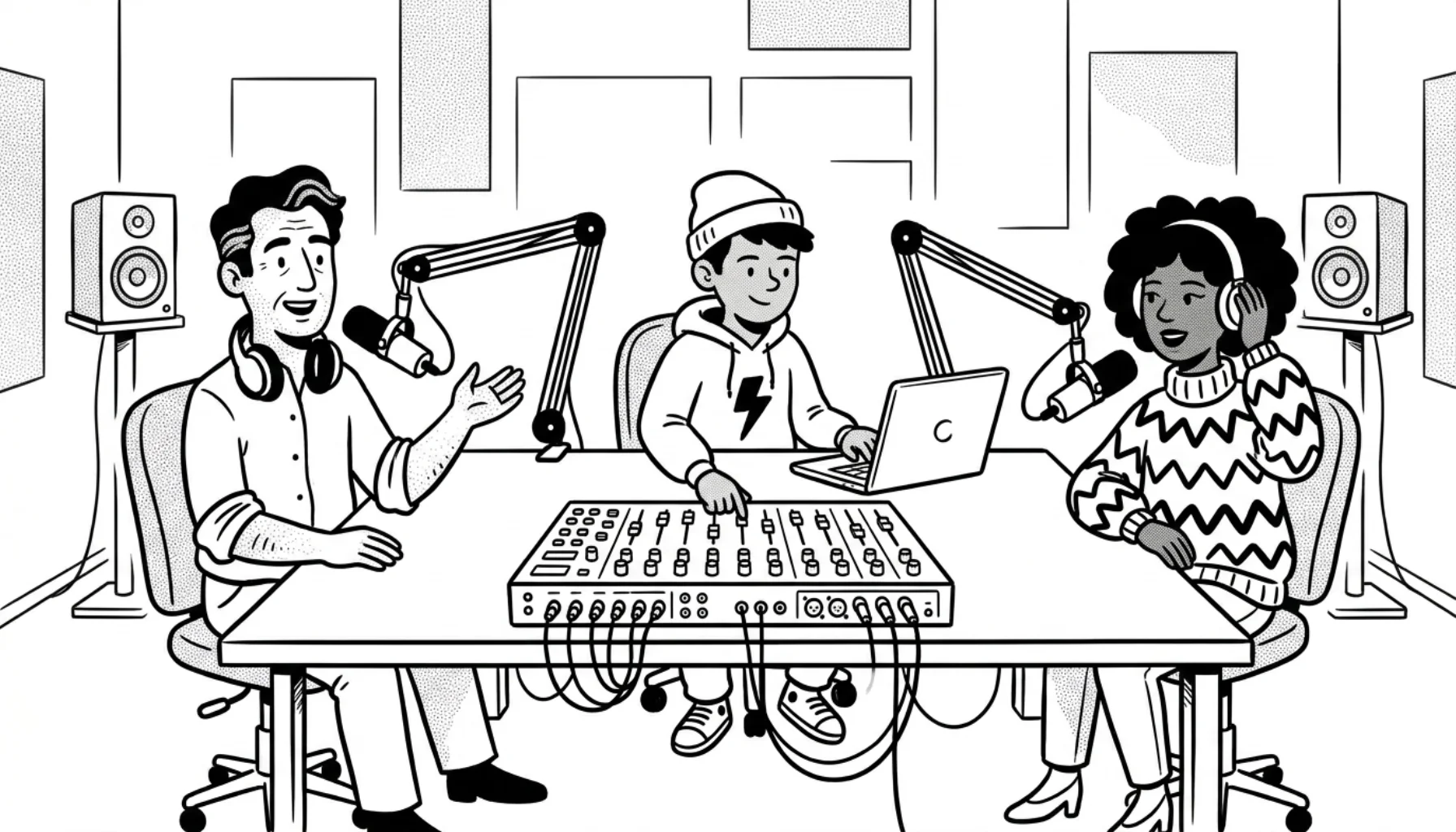
A radio studio runs on live monitoring. You hear your own voice. You ride music levels. You catch a cough from the guest before it reaches the stream. You cue a jingle in one ear while the bed plays in the other. None of this works through laptop speakers.
Good headphones make those decisions easier. They expose what's actually going to your listeners. Bad headphones flatter you. Bass boost hides a thin mic chain. Hyped highs disguise harsh sibilance. You'll think the show sounds great. The Spotify reviews will say otherwise.
Headphones are also the cheapest serious upgrade in a studio. A $100 pair of monitors outclasses a $300 lifestyle pair every time. You're paying for honesty, not for hype.
Closed-back vs open-back: pick closed
This is the only headphone decision that actually matters for radio.
Closed-back headphones have sealed cups. Sound goes into your ears and stays there. No bleed into the microphone. No leak to your roommate. These are what you wear on air.
Open-back headphones have perforated cups. Air moves through, the soundstage feels wider, the bass is more honest, and the music feels less "in your skull." But sound leaks out. Hold an open-back near a live mic and you'll hear yourself echoing back in the stream. They're great for editing alone. They're a disaster on air.
For 99% of radio and podcast hosts the answer is closed-back. Open-back only makes sense if you have a separate editing room with no live mic in it.
If you're still building out the studio, see our radio station equipment guide for the full picture. The companion piece on choosing a microphone covers the other side of the audio chain.
What to look for: the four traits that matter
Spec sheets list dozens of numbers. Most don't matter for spoken-word work. These four do.
1. Comfort over long sessions
A two-hour show plus a one-hour prep means three hours under the cans. Cheap headphones get heavy. Hard pads heat up. Tight clamps give you a headache.
Look for velour or memory-foam ear pads, a padded headband, and a clamping force that's snug but not vice-like. Try them on for ten minutes before deciding. If your ears get warm in ten minutes, they'll be unbearable at hour three.
Replaceable pads are a bonus. Velour pads wear out in two or three years of daily use. Models like the Beyerdynamic DT 770 Pro let you swap them for $30 instead of buying new cans.
2. Isolation
Isolation is how much outside sound the cups block. High isolation lets you monitor at lower volume, which is better for your hearing and reduces bleed risk. Studio cans like the Sennheiser HD 280 Pro block around 32 dB. That's enough to hear yourself clearly even if a guest is talking in the same room.
3. Sound that doesn't lie
A "flat" or "neutral" frequency response shows you what's actually in the audio. Consumer headphones boost bass and treble to make music feel exciting. That's the opposite of what you want. You want to hear the mouth click, the room hum, the harshness on certain syllables. Monitoring headphones expose those problems so you can fix them.
4. Durability
A studio pair gets picked up, dropped, hung on a mixer corner, and yanked by the cable. Cheap plastic hinges crack. A detachable cable saves the day when the jack starts crackling. Build quality matters more than the spec sheet suggests.
Wired vs wireless: a non-debate
Use wired. Always.
Bluetooth adds latency. Real-world Bluetooth latency runs roughly 40 to 250+ ms depending on the codec, device, and buffering. You can hear your own voice arrive late in your ears, which throws off your timing on every word. It will drive you crazy in five minutes.
Wireless cans also die. Mid-show. They share spectrum with everything else in your house. They pair with the wrong device when you reboot. None of this happens with a $20 cable.
Save Bluetooth for the walk. Use a wired pair on air.
Impedance: what those ohm numbers actually mean
You'll see headphones rated at 32, 80, 250, or 600 ohms. Impedance is how much electrical resistance the headphones present to the source. The number matters because it tells you what can drive them.
Low impedance (16-80 ohms) runs fine off a phone, a laptop, or a basic mixer's headphone jack. Sony MDR-7506 (63 ohms) is a classic example.
High impedance (250-600 ohms) needs a proper headphone amp. A weak mixer jack won't drive them loud enough to monitor. The DT 770 Pro comes in 32, 80, and 250 ohm versions. Pick the 80 ohm if you're plugging straight into a mixer. Get the 250 only if you have a dedicated amp.
For most home and small commercial studios, the 80-ohm versions are the right call.
Best studio headphones for radio in 2026
These are models that show up in most serious 2026 buyer's guides. None are flashy. All have been in production for years, which means parts and accessories are easy to find. Prices listed are typical street ranges in May 2026 and will drift over time.
Best overall: Sony MDR-7506 ($100-$120)
The MDR-7506 has been in continuous production since 1991. That's not a typo. Walk into any TV studio, radio booth, or post-production room in North America and you'll see them on a hook. They're closed-back, light, foldable, and brutally honest in the midrange where the voice lives.
The cable is non-detachable, the cups are pleather, and they look like 1990s flight crew gear. None of that matters. They make your voice sound the way listeners will hear it. Buy a pair. You'll have them for ten years.
Best for long sessions: Beyerdynamic DT 770 Pro 80 Ohm ($150-$190)
The DT 770 Pro is the engineer's choice. Velour pads breathe instead of sweating. The clamping force is gentle enough for marathon edits. Bass is tight, mids are clean, highs are slightly bright in a way that actually helps you spot sibilance problems.
Pads, headband, and cable are all replaceable. A well-cared-for pair lasts a decade. The 80-ohm version drives off any mixer or interface; skip the 250 unless you have an amp.
Best budget pro: Sennheiser HD 280 Pro ($90-$110)
Excellent isolation for under $100. The HD 280 Pro is heavy and the clamp is firm out of the box. It's not the most comfortable pair on the list. It pays you back in honest sound and rock-solid build quality. A common pick for hosts running multiple guest headphones because they're tough enough to survive a clumsy guest.
Best for podcasters: RØDE NTH-100 ($140-$170)
A newer entry that's earned its way into the rotation. CoolTech gel pads stay cool over long sessions. The clamp is light. The tuning is neutral with a slight warmth in the upper bass that makes voices easy on the ear. RØDE designed them for spoken-word work, and it shows.
If you're already in the RØDE ecosystem (RØDECaster, PodMic, NT-USB), they fit the cosmetic language and the price slot.
Best industry standard: Audio-Technica ATH-M50x ($150-$180)
The M50x is the closed-back that conquered streaming, YouTube, and home studios in the last decade. They have more bass than a strict monitor pair should, which makes them a slight compromise for mixing music. For voice and live monitoring they're excellent. Comfort is good, isolation is good, build is good. Detachable cables in three lengths.
If you can only buy one pair for both editing and monitoring, the M50x is the safe pick.
Best for live broadcast: Audio-Technica BPHS1 ($200-$250)
A headset with a built-in dynamic mic on a boom. The BPHS1 is what you see on a sportscaster's head during a live game. The mic isolates well, the headphones are closed-back monitoring cans, and the boom positions the capsule right at your mouth.
It's overkill for a podcast at the kitchen table. For a co-hosted live show, a remote, or a sportscast it's the right tool. The BPHS2 exists at a higher price point with a hyper-cardioid pattern for noisier environments.
Best premium: Shure SRH1540 ($450-$520)
Carbon-fiber and aluminum construction keeps the SRH1540 light for a premium closed-back pair at about 286 g. The Alcantara pads are luxurious. Sound is detailed, controlled, and even. They ship with replacement pads and cables because Shure expects you to use them for a long time.
Worth it if you spend eight hours a day in headphones and your studio is your livelihood. Overkill if you do a weekly hobby show.
Closed-back benchmark: AKG K371 ($130-$160)
A relatively recent design that's quickly become a favorite for those who find the M50x too bass-heavy. Flat response, foldable, comfortable. Fits smaller heads better than the DT 770. A good pick if you've tried the usual suspects and they didn't sit right.
Setup: connecting to your mixer or interface
Headphones plug into the headphone output of your mixer or audio interface. Most studio gear uses a 1/4" (6.35mm) jack. Some smaller interfaces use 3.5mm. Cheap adapters bridge the difference; keep one in the drawer.
If you have multiple hosts, you need multiple headphone outputs. A USB interface usually has one. A broadcast mixer like the RØDECaster Pro II or Zoom PodTrak P8 gives every host their own jack. Each jack has a dedicated volume knob. That detail matters more than people expect. A co-host who can't set their own volume will eventually drift off-mic to compensate. Our studio desk layout guide covers how to position the gear so cables don't tangle and headphone reaches actually work.
For phone-in shows or remote guests, your mixer needs to handle mix-minus. Without it, the caller hears their own voice come back at them with a delay, and the call becomes useless. See our mixer guide for the full breakdown.
For live calls specifically, our internet radio live calls guide covers the chain end to end.
Once the audio chain sounds right in your headphones, the rest is software. Your mix feeds into broadcasting software like BUTT, Mixxx, RadioBOSS, or SAM Cast, which ships it to your stream host. If you use CloudRadio, your live feed, media library, scheduling, and stream delivery all stay in one browser workflow. The essential tools post lists what else belongs in the chain.
FAQ
Do I really need studio headphones, or can I use gaming headsets?
Gaming headsets have boosted bass, boosted highs, and a microphone that's tuned for chat, not broadcast. They lie to you about your sound. Studio cans are cheap. Get a real pair.
What's the difference between monitoring and reference headphones?
In practice, very little. "Reference" usually implies a flatter, more analytical sound. "Monitoring" usually implies durability and isolation for live use. The Sony MDR-7506 is a monitoring headphone; the AKG K612 is an open-back reference headphone. The K612 can work for editing alone, but not for live on-air monitoring.
Are AirPods or other wireless earbuds OK in a pinch?
For listening back to a finished episode, sure. For live monitoring while you're on the mic, no. The latency will ruin your timing. The fit is too loose to give you accurate sound. They drop out at the wrong moments.
How loud should I monitor?
As quiet as you can while still hearing problems. Loud monitoring fatigues your ears and biases your decisions toward bass and treble. Most engineers monitor at conversation volume or slightly below. If you can't hold a conversation over your monitoring level, it's too loud.
What about hearing protection?
Closed-back headphones with good isolation let you monitor at lower volumes. That's already a hearing-protection win. If you broadcast every day, aim to stay below the 85 dBA eight-hour average used in occupational guidelines. Phone SPL apps help estimate room noise. They won't measure the exact level at your ear. Check the headphone amp's output meter or use a dedicated rig for precision.
Do my guests need their own studio headphones?
Yes. Open-back headphones on a guest will bleed back into the host mic. A spare pair of MDR-7506 or HD 280 Pro lives near every mixer for exactly this reason.
Are wireless headphones ever OK for radio?
Only with sub-10ms transmitters used by professional broadcasters (Shure, Sennheiser broadcast gear), which cost thousands and run on dedicated UHF. Bluetooth is not in the same conversation. For everyone reading this guide: use wired.
Pick a pair and move on
Most hosts spend too long on this decision. Any of the picks above will outclass what listeners are using on their end. Pick the one that fits your budget and your head, plug them in, and get to making the show.
If you're still piecing together the studio, the internet radio starter guide walks through every piece in order. Already on air and ready to upgrade the back end? CloudRadio handles scheduling, hosting, HLS delivery, and Icecast fallback so you can spend your time on the show. $39/mo, 750 GB storage, unlimited listeners.