How to Choose a Radio Broadcast Mixer (2026 Guide)
How to choose a radio broadcast mixer in 2026. Inputs, phantom power, mix-minus, analog vs digital, and current picks for solo, podcast, and live radio studios.
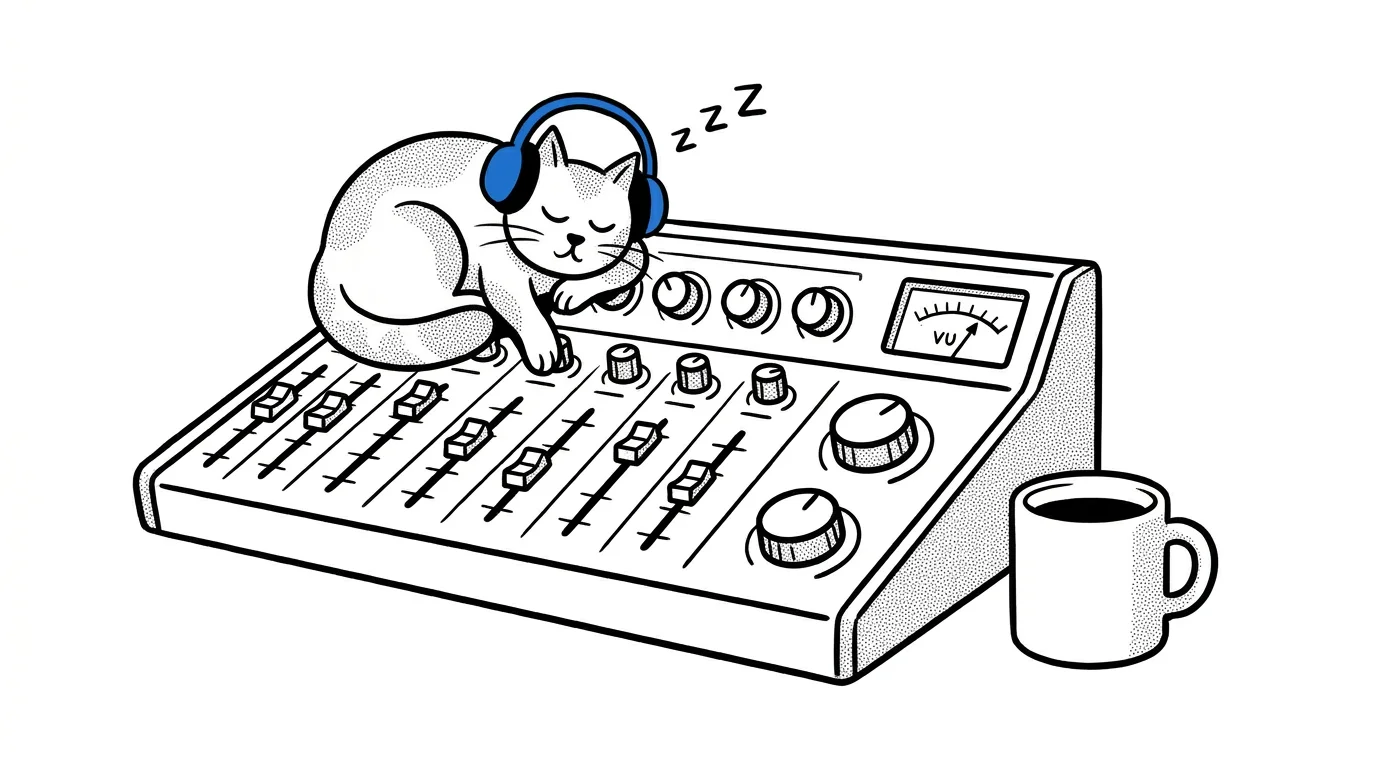
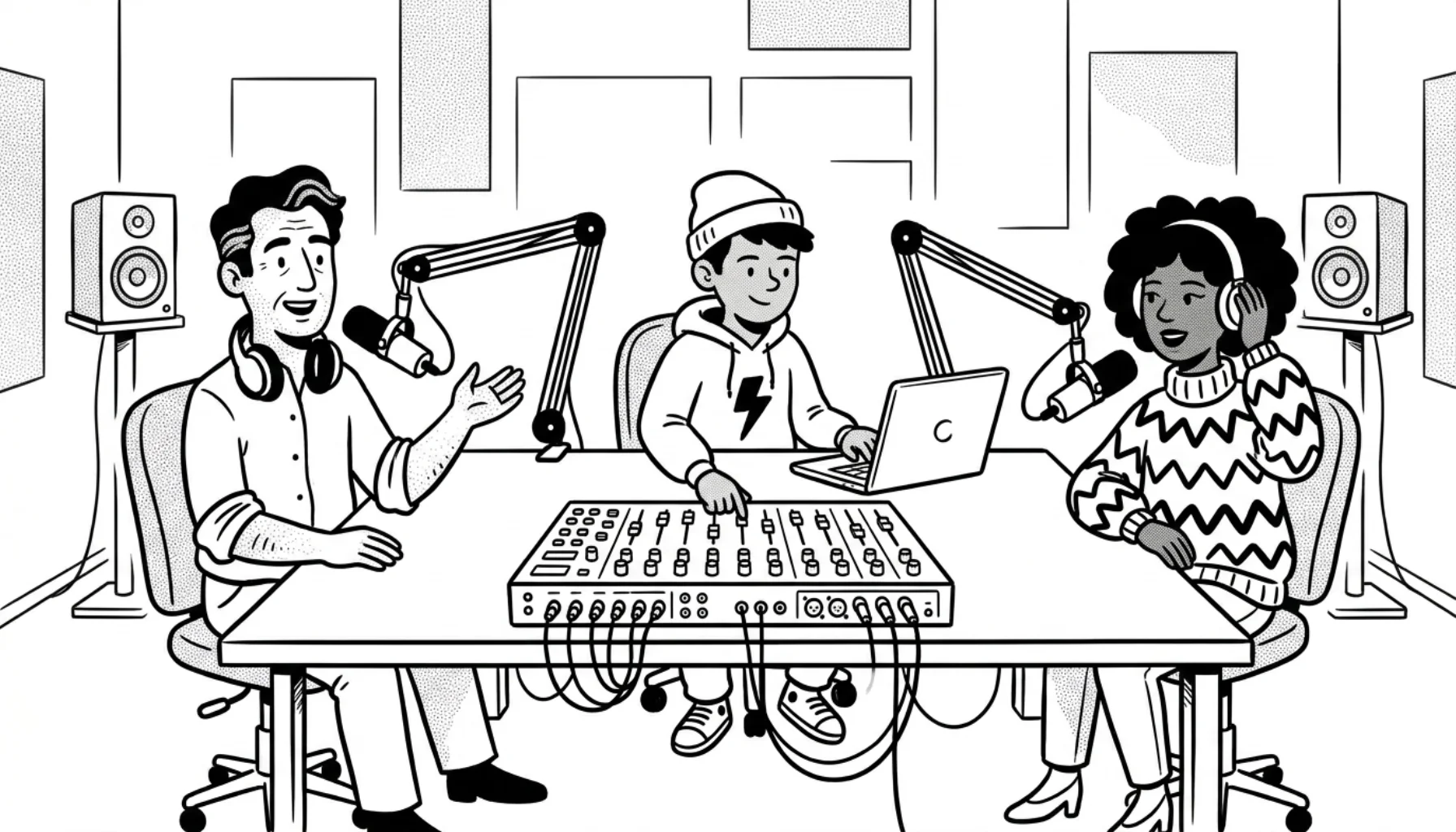
A radio broadcast mixer is the heart of a studio. It combines your microphones, music, jingles, and callers into one clean signal that gets sent to your stream.
Choosing the right one saves you from buying twice. A mixer with too few inputs forces an upgrade in six months. A mixer without mix-minus makes phone interviews a nightmare. And a digital console that's overkill for a solo show is money you could have spent on a better microphone.
This guide walks through what actually matters in 2026. We cover how mixers fit into a modern streaming setup. We name the features to insist on. And we list the boards we see working well across CloudRadio's hosted stations.
What you'll learn
- Why a mixer still matters in 2026
- Mixer vs audio interface: which do you need?
- Analog vs digital broadcast mixers
- The seven things that matter when choosing
- Best mixers by use case
- Connecting your mixer to your stream
- Mixer FAQ
Why a mixer still matters in 2026
Streaming has gotten simpler. You can run a station from a laptop with a USB microphone and broadcasting software, and it will sound fine. So why bother with hardware at all?
Because a mixer gives you control that software can't match. You ride a fader instead of dragging a slider with a mouse. You mute a co-host's mic with one button. You cue up a track in your headphones before it goes on air. You take a phone call without sending the caller their own voice back. These are the moments that separate a hobby stream from something that sounds like real radio.
A mixer also future-proofs your studio. Add a co-host? Plug in another microphone. Bring in a guest band? Patch in their interface. You're not limited by how many USB ports your computer has.
Still deciding what gear to buy? Start with our radio station equipment guide and our overview of how to start an internet radio station. They'll help you decide whether a mixer is the right next purchase.
Mixer vs audio interface: which do you need?
This is the first decision, and people get it wrong all the time.
An audio interface converts microphone signals into digital audio your computer can use. That's it. Most interfaces have one or two XLR inputs, no faders, and no real-time mixing controls. The Focusrite Scarlett 2i2 (pricing) is the canonical example.
A broadcast mixer does more. It gives you multiple inputs and real-time faders. It handles headphone monitoring for every host. Many boards include a phone hybrid for callers. Most have a built-in USB interface that doubles as the link to your computer.
A simple rule. One or two microphones, no co-hosts, no callers? An interface is enough. Two or more hosts, live calls, or jingle pads? You need a mixer.
For most CloudRadio broadcasters running a real show, a mixer pays off within the first month.
Analog vs digital broadcast mixers
Both can sound great. The difference is what you trade off.
Analog mixers route audio through physical circuitry. Every knob and fader controls one specific thing. You can see your entire setup at a glance, and there's no menu to dig through. Analog boards tend to be cheaper, more durable, and easier to learn. The downside: no presets, no built-in effects beyond what's hard-wired, and the board gets large fast as you add channels.
Digital mixers turn audio into data and process it with chips. You get recallable presets, built-in compression and EQ on every channel, and effects without external hardware. Footprints stay small even with many inputs. The Behringer X32 family, PreSonus StudioLive series, and Yamaha TF series all live here. The trade-off is a steeper learning curve and higher entry prices.
For most radio and podcast studios, the line has blurred. Boards like the RØDECaster Pro II and Tascam Mixcast 4 are digital inside but laid out like analog consoles. You get presets and effects without the menu maze. That's the sweet spot for most broadcasters in 2026.
The seven things that matter when choosing
1. Inputs and outputs
Count your microphones first. Then add one for guests, one for a backup, and check if your future plans need more. A solo show needs two XLR inputs (one mic plus headroom). A two-host show needs three. A panel show with phone-ins needs four or more.
Then think about outputs. You need a main stereo output to your computer, usually over USB-C. You need headphone outputs for every host. A separate "control room" output for monitoring is a nice-to-have. The Zoom PodTrak P8 gives every guest their own headphone jack and volume knob. That detail matters when a co-host can't hear themselves.
Don't forget aux inputs. A 3.5 mm or RCA input for a phone or backup music player is cheap insurance.
2. Microphone compatibility
Microphones come in three flavors: dynamic XLR, condenser XLR, and USB.
Dynamic mics (Shure SM7B, Electro-Voice RE320) need a lot of clean preamp gain. Your mixer needs quiet preamps that can deliver 60 dB or more without hiss. Cheap mixers struggle here, and that's a common cause of poor audio quality on new stations.
Condenser mics need 48 V phantom power. Most broadcast mixers include it, but confirm before you buy. And confirm how many channels support it, since some budget boards only put phantom on the first two.
USB mics mostly don't work with mixers at all. If you're committed to USB mics, you don't need a mixer. You need a USB hub and broadcasting software.
For more on which mic to pair with your mixer, see our best radio microphones guide.
3. Mix-minus and call handling
This is the single most-overlooked feature, and the one that makes the biggest difference for any show with callers.
Mix-minus sends everyone except the caller back to the caller. Otherwise the caller hears their own voice with a half-second delay, which makes them stop talking and listen to themselves. It's a horrible experience.
Podcast-focused boards (RØDECaster Pro II, Zoom PodTrak P8/P4, Tascam Mixcast 4) handle mix-minus automatically. Analog mixers like the Behringer Xenyx 1204USB can do it, but you have to wire it up using aux sends. General-purpose music mixers usually leave you guessing.
If you take callers, see our guide to live calls on internet radio for a deeper look. Every CloudRadio support ticket about caller echo traces back to a mixer without proper mix-minus.
4. Hardware build and tactile controls
You'll touch your mixer for thousands of hours. Cheap faders feel scratchy after a year. Cheap knobs wobble. Cheap buttons stop registering.
Look for metal chassis, smooth fader travel, and reviews that mention long-term durability. Pay particular attention to the headphone jack on the front. It's the part that fails first.
5. Recording and software integration
Modern broadcast mixers double as USB audio interfaces. The good ones record multi-track to an SD card. You get separate files for every host, the music, and the main mix. That's a lifesaver for podcast cleanup.
Check the USB output format. Stereo USB is fine for live streaming. Multi-track USB (often called "multi-channel" or "ASIO" on Windows) lets your DAW see every input separately. The RØDECaster Pro II carries multi-track audio over USB-C for separate-file recording in your DAW. The Zoom PodTrak P8 is 2-channel stereo over USB but records every channel to an SD card. Cheaper boards send only a stereo mix.
6. Size and desk layout
Measure your desk before you order. A 16-channel analog board is half a meter wide. A RØDECaster Pro II is smaller than a laptop. If you're planning your studio layout, think about where the mic arms, screens, and headphone amp go first. The mixer needs to fit the desk you already have.
Smaller isn't always better. A board that's too small crowds the controls together. That makes it harder to use under pressure.
7. Budget tiers
Pricing varies by retailer and region, but here's the rough lay of the land for 2026:
- Under $200: Behringer Xenyx series, Mackie Mix series. Solid for a starter setup with two mics. No mix-minus on the cheapest models.
- $200–$500: Yamaha MG10XU, Mackie ProFX, Allen & Heath ZED-6FX. Real preamps, USB out, room to grow. Still mostly analog.
- $500–$1,000: RØDECaster Pro II, Zoom PodTrak P8, Tascam Mixcast 4. The sweet spot for broadcast and podcast studios.
- $1,000–$4,000: PreSonus StudioLive AR16c, Behringer X32 Producer, Allen & Heath Qu-16. Full digital production with deep routing.
- $4,000+: Sound Devices Scorpio, large-format consoles from Lawo or AEQ. Pro broadcast facilities only.
We've covered the full budget picture (gear, hosting, licensing) in our cost to start a radio station guide.
Best mixers by use case
We won't pretend to have tested every board on the market. These are the ones we see working reliably across CloudRadio-hosted stations. Check current pricing on the manufacturer's site before you buy.
Solo host or simple podcast
RØDE RØDECaster Duo (product page) gives you two XLR inputs and smart pads for sound effects. You get multi-track recording and proper mix-minus. It's the simplest path to broadcast-quality audio.
For a budget alternative, look at the Zoom PodTrak P4 (product page). Four XLR inputs and battery power. Good for portable shows.
Two to four hosts
RØDE RØDECaster Pro II (product page) is the de facto choice. You get four combo XLR inputs, eight programmable pads, and Bluetooth for calls. USB-C carries up to 14 channels for multi-track recording. It's the default answer on most "what mixer should I buy" threads in 2026.
Tascam Mixcast 4 (product page) is a strong runner-up. Same use case, slightly different ergonomics, often available for less.
Live radio panel or hybrid studio
PreSonus StudioLive AR8c / AR12c (product page) blends analog faders with digital recording. The AR8c gives you 8 channels. The AR12c gives you 14. Both include USB-C multi-track output and stereo SD card recording. A good fit if you want analog feel with digital convenience.
Allen & Heath ZED-12FX (product page) is a respected analog option for community and college studios. Quiet preamps, rugged build, USB stereo out. It tends to outlast its owners.
Pro studio or syndicated production
Behringer Wing or the PreSonus StudioLive Series III for digital. Allen & Heath Qu-series digital mixers for hybrid setups. At this level, you're picking based on the broadcasting software ecosystem you're already in.
Curious what a finished radio studio looks like? Browse our radio studio pictures gallery for examples at different budget levels.
Connecting your mixer to your stream
A mixer alone doesn't stream. It produces a clean audio signal. You send that signal to broadcasting software, which encodes it and ships it to your stream host.
The typical chain looks like this:
- Microphones, music, callers → mixer
- Mixer main output → USB-C into your computer
- Broadcasting software (BUTT, Mixxx, RadioBOSS, SAM Cast, or other options) reads the mixer as an input device
- Software encodes the audio and sends it to your stream server
- Stream server delivers the audio to listeners
If you're using CloudRadio for hosting, the mixer's USB output feeds a broadcasting tool like BUTT or Mixxx. That tool points at your CloudRadio Icecast endpoint. Listeners get a modern HLS stream that scales to any audience without bandwidth fees.
When you're off the air, the hosted media library keeps the station running on a 24/7 schedule. You don't have to leave your computer on. That handoff between live show and scheduled playout is the trick. It turns a part-time hobby into a station that always sounds alive.
For the full streaming workflow, see how to broadcast live audio and our live audio streaming software guide.
Mixer FAQ
Do I need a mixer if I only have one microphone? Probably not. A good audio interface plus broadcasting software covers a solo setup at lower cost. Add a mixer when you bring in a co-host or start taking calls.
Can I use a music mixer (like the Pioneer DJM) for radio? You can, but you'll fight it. DJ mixers are designed for cueing tracks, not for voice. Most lack mix-minus, have weak mic preamps, and route headphones in ways that don't suit talk shows. The essential tools for internet radio lean toward broadcast-focused gear for good reason.
What about a hybrid DJ controller plus voice setup? A RØDECaster Pro II paired with a software DJ controller is a clean answer. The controller handles music decks. The mixer handles voice and callers. You get the best of both without compromise.
How important is phantom power on every channel? Only run dynamic mics like the SM7B, RE320, or PR40? Not at all. Running condensers like the Neumann TLM-103 or Audio-Technica AT4040? You need phantom on every condenser channel. Most condensers don't work without it.
Can I run my mixer into a phone or tablet instead of a computer? The newer boards (RØDECaster Pro II, Zoom P8) support USB-C to iOS and Android. Older mixers don't. If mobile streaming matters, check the compatibility list before buying.
How long should a good mixer last? A well-built broadcast mixer should give you 8–10 years of daily use. Faders are the first thing to wear out, and most are replaceable. Buy the best build quality you can afford, not the most features.
Buy once, set up properly
A mixer is the most-touched piece of gear in your studio. Treat the purchase like picking the desk it sits on. Measure twice, buy once. Pick the one you'll still enjoy using in five years.
Once the mixer is on the desk, the rest of the chain is software. Don't want to wrestle with encoders, scheduling, and stream servers? CloudRadio handles all of that for $39/mo. You get unlimited listeners, 750 GB of storage, and an HLS stream that scales to any audience.